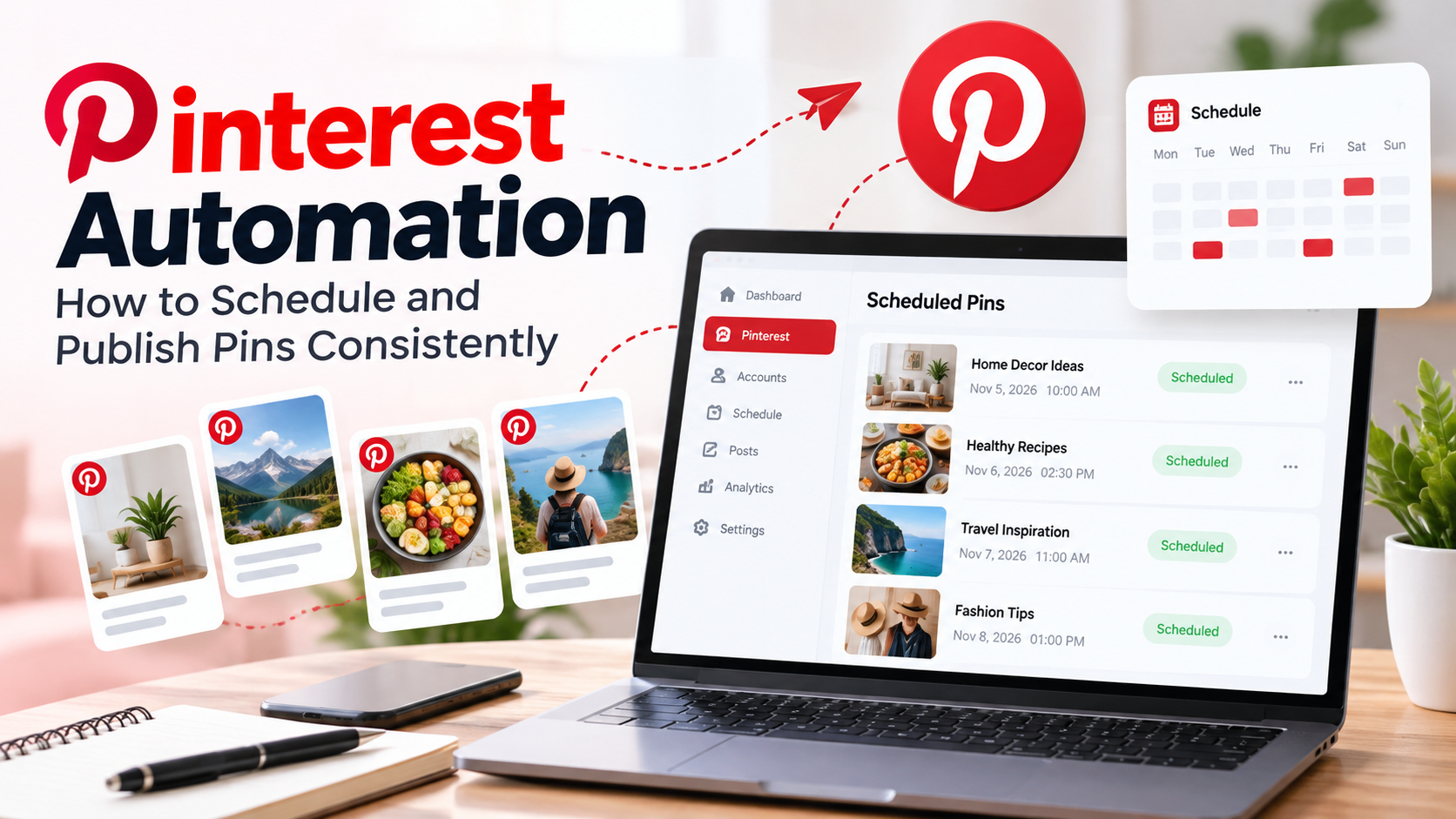
Pinterest Automation: How to Schedule and Publish Pins Consistently
Pinterest is a powerful platform for discovering ideas, exploring products, and driving traffic to websites. For businesses, bloggers, and content creators, publishing fresh pins consistently can help build visibility and reach new audiences.
However, managing Pinterest manually can become time-consuming. Creating images, writing descriptions, selecting boards, and publishing content regularly requires a structured workflow.
This is where Pinterest automation becomes useful. It helps simplify repetitive publishing tasks and makes content scheduling easier.
What Is Pinterest Automation?
Pinterest automation is the process of planning, scheduling, and publishing pins using tools that help manage your content workflow.
Instead of manually publishing every pin, you can prepare content in advance and schedule it for specific dates and times.
A Pinterest automation workflow typically includes:
-
Preparing pin images and creative content.
-
Writing keyword-focused titles and descriptions.
-
Selecting relevant Pinterest boards.
-
Scheduling pins for future publication.
-
Reviewing publishing activity and performance.
The goal is to make Pinterest content management more organized and consistent.
Why Should You Automate Pinterest Publishing?
Managing Pinterest manually may work when you publish occasionally, but regular content publishing becomes more difficult as your account grows.
Pinterest automation offers several practical advantages.
1. Save Time on Daily Publishing
You can prepare several pins in advance instead of creating and publishing each one every day. This reduces repetitive work and gives you more time to focus on content quality.
2. Maintain a Consistent Posting Schedule
Consistency helps you maintain an active publishing routine. Scheduling allows you to plan content ahead of time, even when you are busy with other business activities.
3. Organize Your Content Calendar
A planned schedule makes it easier to manage upcoming campaigns, seasonal content, product promotions, and blog posts.
4. Reduce Manual Work
Automation simplifies repetitive publishing activities, such as preparing posts and managing publication dates.
5. Manage Multiple Content Ideas
When you have several products, blog posts, or categories to promote, a scheduling workflow helps keep everything organized.
How to Automate Pinterest Posts Step by Step
You do not need a complicated strategy to get started. Follow these steps to create a practical Pinterest automation workflow.
Step 1: Create High-Quality Pin Images
Pinterest is a visual discovery platform, so your images should communicate the topic clearly.
Use attractive designs, readable text, and relevant visuals. Make sure each image represents the content it links to.
Step 2: Write SEO-Friendly Pin Titles and Descriptions
Pinterest users often discover content through searches. Use relevant keywords naturally in your pin titles and descriptions.
For example, if you are sharing a blog about home decoration, use descriptive phrases such as:
-
Home decoration ideas
-
Small living room design
-
Modern home interiors
Avoid keyword stuffing. Your descriptions should remain useful and readable.
Step 3: Choose Relevant Pinterest Boards
Organize your pins into boards that match their topics.
For example, a food business might use boards related to healthy recipes, meal planning, and cooking ideas.
Relevant organization makes your content easier to manage and helps users explore similar topics.
Step 4: Plan Your Publishing Calendar
Decide which pins you want to publish and when.
A content calendar can include:
-
Pin title
-
Image or creative
-
Destination URL
-
Pinterest board
-
Scheduled date and time
-
Publishing status
Planning ahead reduces last-minute publishing tasks.
Step 5: Schedule Your Pinterest Pins
Use a Pinterest scheduling tool to prepare your posts and assign their publication dates.
Once scheduled, your publishing workflow becomes easier to manage without manually creating every post at the last moment.
Step 6: Review Published Content
After publication, check your pins and review available performance data.
Pay attention to impressions, saves, outbound clicks, and engagement. These insights can help you understand which content deserves more attention.
Best Practices for Pinterest Automation
Automation works best when combined with a thoughtful content strategy.
Keep these practices in mind:
-
Publish relevant content: Make sure every pin provides value to your target audience.
-
Use original creative: Avoid publishing repetitive images without meaningful variation.
-
Write clear descriptions: Explain what users will find when they open your pin.
-
Use relevant boards: Keep your content properly organized.
-
Check destination links: Make sure every pin directs users to the correct page.
-
Review performance: Use analytics to improve your future content strategy.
-
Maintain a realistic schedule: Focus on quality and consistency rather than publishing unnecessarily.
Common Pinterest Automation Mistakes
Even with a scheduling tool, some mistakes can affect your content workflow.
Publishing Repetitive Pins
Using identical images and descriptions repeatedly can make your content less interesting. Create meaningful variations for different topics and audiences.
Ignoring Keywords
Titles and descriptions should clearly explain the pin's subject. Relevant search terms help users understand what your content offers.
Selecting the Wrong Boards
Always choose boards that match the content. Proper organization keeps your Pinterest profile relevant.
Scheduling Without Reviewing Content
Before scheduling, check the image, title, description, board, and destination URL. A small mistake can affect the user experience.
Forgetting Performance Analysis
Publishing is only one part of Pinterest marketing. Reviewing results helps you understand what is working and where improvements are needed.
How Page Auto Poster Simplifies Pinterest Automation
Managing social media publishing manually across different platforms can take valuable time.
Page Auto Poster helps simplify the content publishing workflow by bringing social media management and scheduling into one place.
With a structured publishing process, you can spend less time handling repetitive tasks and more time creating useful content for your audience.
Whether you are a blogger, business owner, marketer, or content creator, organizing your publishing activities can make social media management more efficient.
Explore Page Auto Poster to learn more about simplifying your social media publishing workflow.
Final Thoughts
Pinterest automation is about more than scheduling pins. It is about building a consistent and organized content publishing process.
Start by creating useful visuals, writing relevant descriptions, selecting suitable boards, and planning your publishing calendar. Review your results regularly and improve your strategy based on what your audience responds to.
With a well-organized workflow and the right scheduling tools, managing Pinterest content can become simpler and more efficient.
Share This Article
Was this article helpful?
Let us know so we can keep improving our guides.