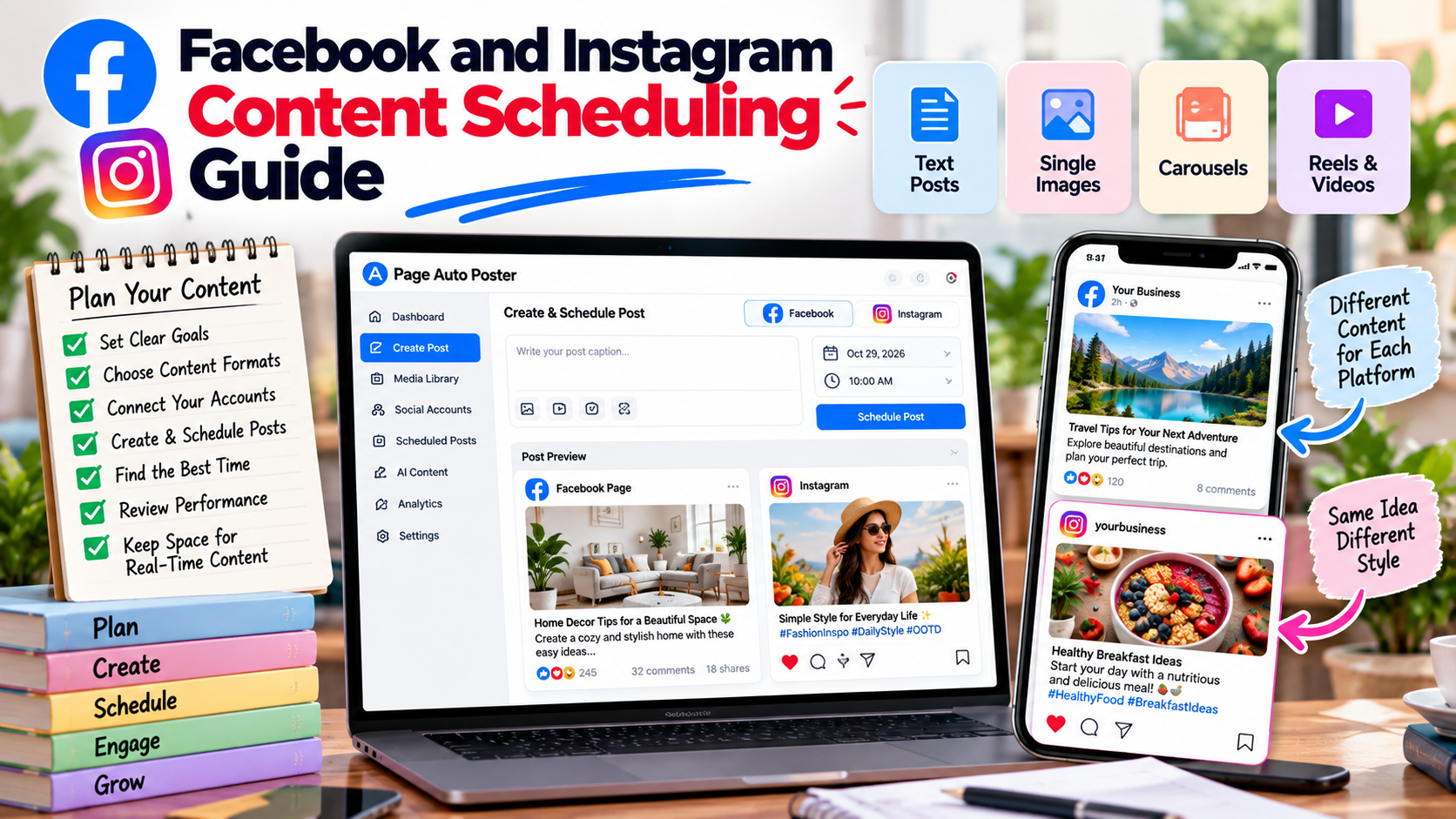
Facebook and Instagram are closely connected, and many businesses manage both together. Scheduling lets you plan content ahead so both stay active even during busy weeks. This guide covers how to do it well.
Start with your goals
Decide what each channel is for. A Facebook Page may be your place for announcements, longer updates and community conversation, while Instagram may focus on visual storytelling. Having these roles in mind helps you plan content that makes sense for each audience.
Know your content formats
- Text posts and captions: good for updates, tips and questions.
- Single images: simple, quick to produce and easy to schedule.
- Carousels: useful for step-by-step explanations and multiple product views.
- Short vertical videos: suited to reels and quick demonstrations.
Page Auto Poster provides tools for all four: text, image, carousel and video creation.
Connect your accounts
Connect your Facebook Page and its linked Instagram account through the platform. Once connected, you can choose where each post should go and manage settings for each account.
Adapt content for each platform
The same idea can work on both platforms with small changes:
- Facebook captions can be a little longer and more conversational, with a clear link if you want people to visit a page.
- Instagram captions often lean on a strong first line and relevant hashtags.
- Check that images and videos look right in each format.
Plan a simple weekly rhythm
- Choose how many posts per week you can maintain on each channel.
- Assign a theme to each day, such as tips, product highlights or behind-the-scenes content.
- Create the posts in a single session.
- Schedule each one for a specific date and time.
Test your timing
Your audience determines the best time, not a generic rule. Try different times for a few weeks and compare engagement in your analytics. Adjust the schedule based on what you see.
Leave space for real-time content
Scheduled content provides a reliable base, but do not lose the ability to react. News, customer questions and events may justify an unscheduled post. Keep a couple of open slots each week for these moments.
Review and improve
At the end of each week or month, check which posts attracted the most engagement, and note the format, topic and timing. Then use these insights to shape your next calendar. See our related article on Instagram marketing for ideas on formats.
Share This Article
Was this article helpful?
Let us know so we can keep improving our guides.