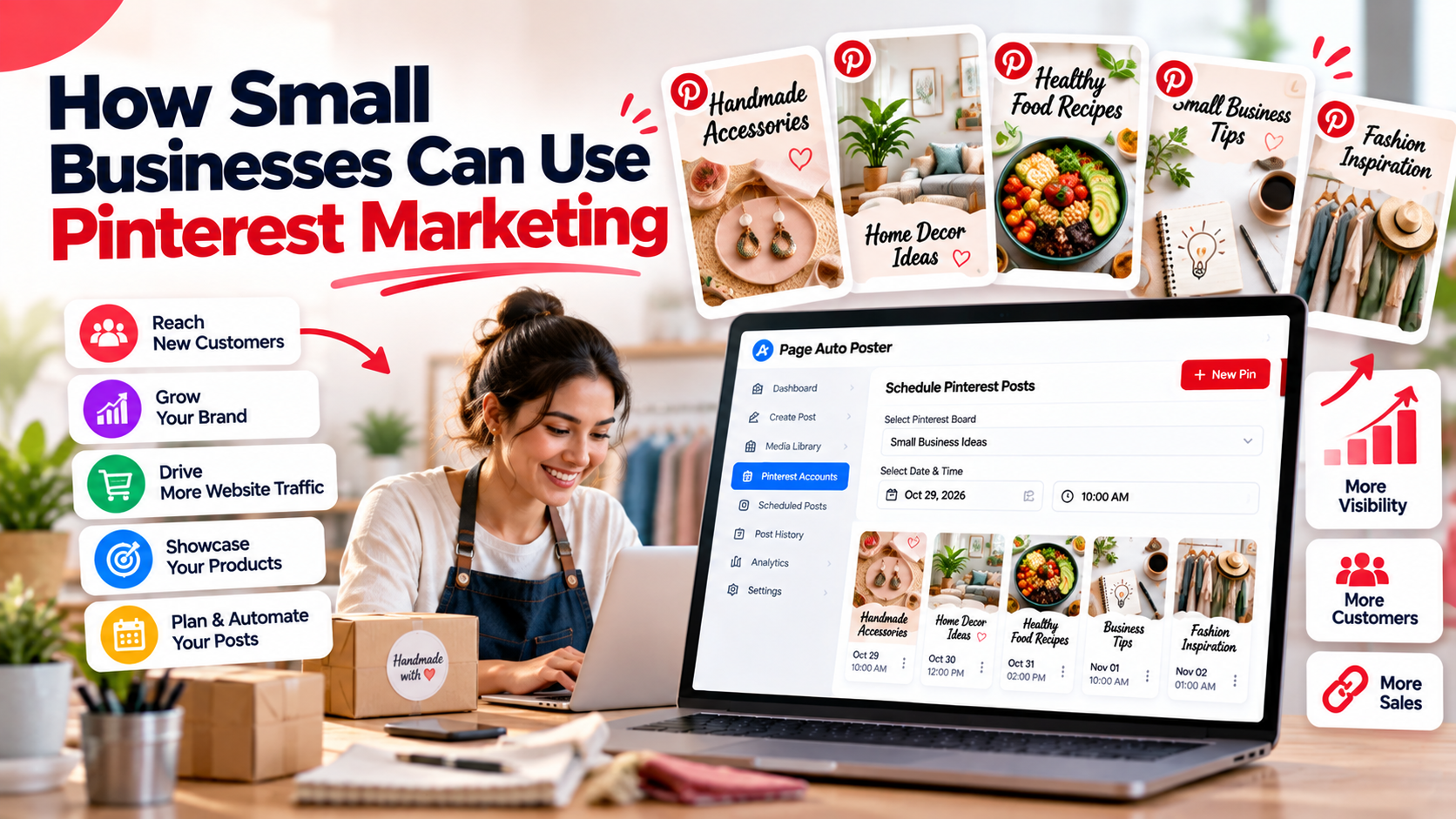
Small businesses rarely have a dedicated social media team. Pinterest can still be a worthwhile channel because Pins keep getting discovered over time instead of disappearing after a single feed cycle. Here is how to approach it without overwhelming your schedule.
Why Pinterest suits small businesses
- People use it to look for ideas and products, so your content reaches people who are already searching.
- Every Pin can link to a product page, blog post or landing page.
- It is visual, which works well for products, services, designs, recipes, destinations and similar topics.
- Content can continue to be discovered for weeks and months.
It is not a fit for every business, and results vary by niche. Treat it as a channel to test and measure, not a guaranteed win.
Step 1: Set up a clear profile
Use a Pinterest account with a recognisable name, a clear logo or profile image and a short bio that explains what you offer using words customers would search for. Add your website link.
Step 2: Create focused boards
Start with five to eight boards, each covering one topic related to your business. A bakery might have boards for birthday cakes, gluten-free recipes and wedding desserts. Give each a descriptive name and a short description.
Step 3: Decide what to pin
- Your own products or services, shown in real use.
- Helpful how-to content from your blog.
- Inspiration related to your niche, including some content from other sources if relevant.
- Seasonal ideas that tie into your offers.
Step 4: Make Pins without a design team
You do not need design skills. Use your own photos, or generate an image from an idea with the image creator in Page Auto Poster. Add a short headline, a clear title and a useful description, and link to the right page.
Step 5: Save time with batching and scheduling
The biggest obstacle for small teams is time. Set aside a regular session, for example one hour a week, to create a handful of Pins and schedule them across the following days. Once scheduled, publishing happens automatically, so you do not need to log in every day.
Step 6: Review what works
Every few weeks, look at impressions and engagement in your analytics. Notice which boards, topics and styles attract attention, and do more of that.
Budget and tool considerations
Page Auto Poster works on a wallet model where you pay per post instead of a subscription, which can suit businesses with uneven needs. Check the pricing page for details.
Keep expectations realistic
Pinterest tends to reward patience. Plan for a few months of consistent publishing before judging results, and make sure your website is ready for the visitors you attract. For related reading, see our Pinterest marketing articles.
Share This Article
Was this article helpful?
Let us know so we can keep improving our guides.