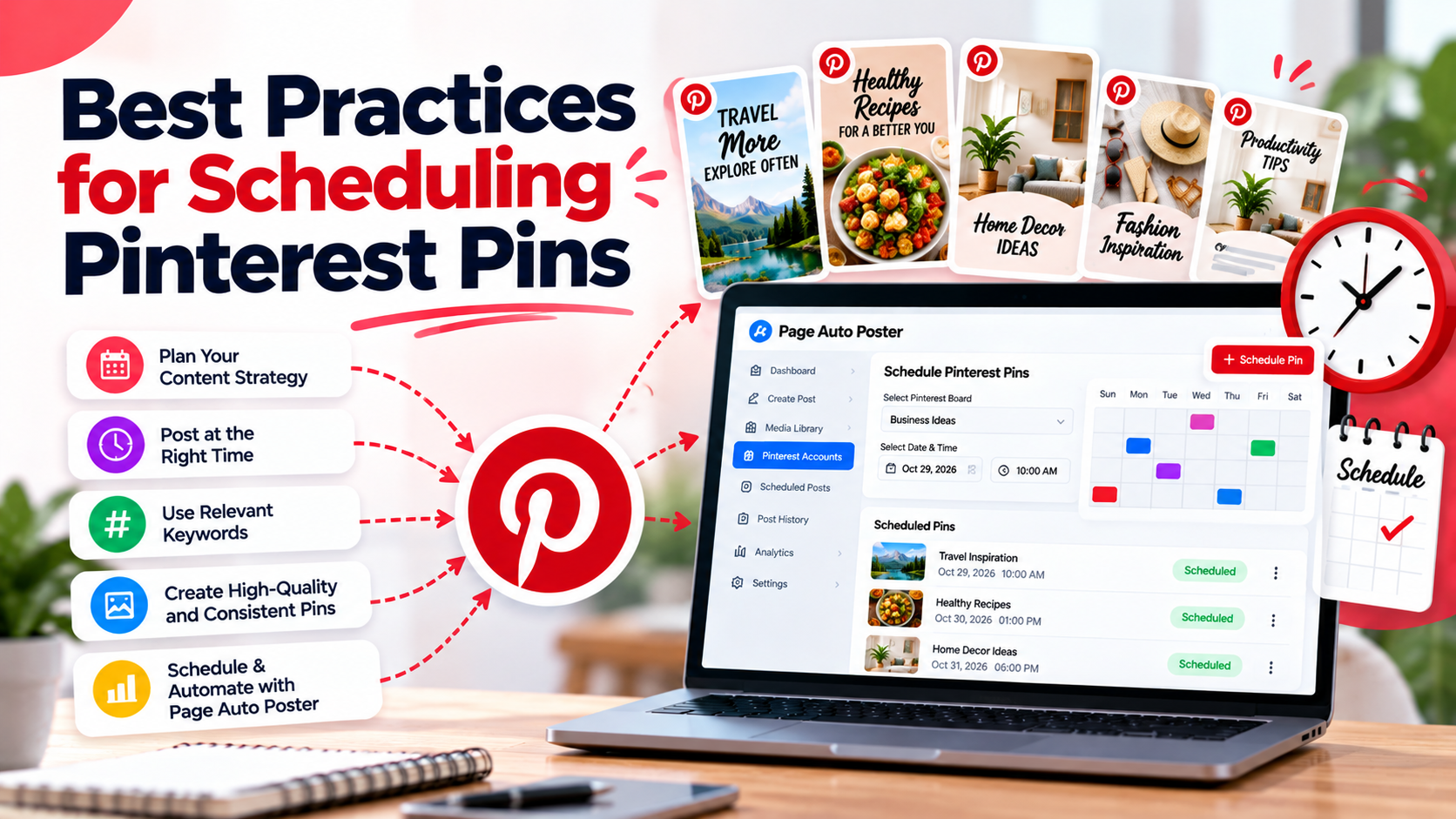
Scheduling is one of the simplest ways to stay consistent on Pinterest. The goal is not to publish as much as possible, but to publish at a pace you can maintain for months. These practices will help you plan well.
Choose a frequency you can sustain
There is no single correct number of Pins per day that works for everyone. Pick a level you can keep up, whether that is a few Pins a week or a few a day, and stick to it. A modest, steady schedule beats a burst of activity followed by silence.
Spread Pins out
Avoid publishing a big batch at the same minute. Spacing Pins across days keeps your profile active and gives each Pin room to be discovered. When you create a batch, assign each Pin its own date and time rather than publishing everything at once.
Plan by board and topic
- Map your boards to your main topics or product categories.
- Rotate between boards so no single board is flooded.
- Make sure every scheduled Pin belongs on the board you selected.
Test posting times yourself
Generic advice about the best time to post is only a starting point. Your audience may be in different time zones and have different habits. Try a few different time slots for a few weeks, then compare impressions and engagement in your analytics. Let your own data guide your schedule.
Think ahead for seasonal content
Pinterest users often search for ideas well before an event or season. If your content is seasonal, such as holidays, back to school or weddings, schedule those Pins early enough to be found. Pins are also discovered over a long period, so earlier publishing is rarely wasted.
Mix content types and destinations
- Alternate between product Pins, how-to content and inspiration.
- Do not link every Pin to the same page. Spread attention across your best pages.
- Reuse strong topics with fresh images instead of repeating the same Pin.
Review your queue regularly
Scheduled does not mean forgotten. Once a week, open your scheduled Pins and check that links still work, offers have not expired and nothing is out of date. Then look at publishing history to confirm that Pins went out as planned.
Use rules for evergreen content
For topics that stay relevant all year, an ongoing publishing rule can keep new Pins flowing without scheduling each one individually. Page Auto Poster lets you set keywords, content types and a schedule for each connected account so evergreen topics keep appearing.
A simple weekly routine
- Monday: review analytics and note the best-performing topics.
- Midweek: create or upload the next batch of Pins.
- Schedule the batch across the coming week or two.
- End of week: check publishing history and adjust.
To see how this connects with the rest of your channels, read our guide on building a consistent strategy.
Share This Article
Was this article helpful?
Let us know so we can keep improving our guides.